marklet
BETA// How It Works

> Paste a Link
// Paste the URL of anything you're reading: an article, documentation, a tweet, a paper — anything.

> Choose a Reference Type
// Pick how you want your reference to look:
- → Numbers only (
48291) - → Letters only (
kdfqz) - → Letters + numbers (
a9f3k2)
// Choose whatever feels easiest to write or remember.
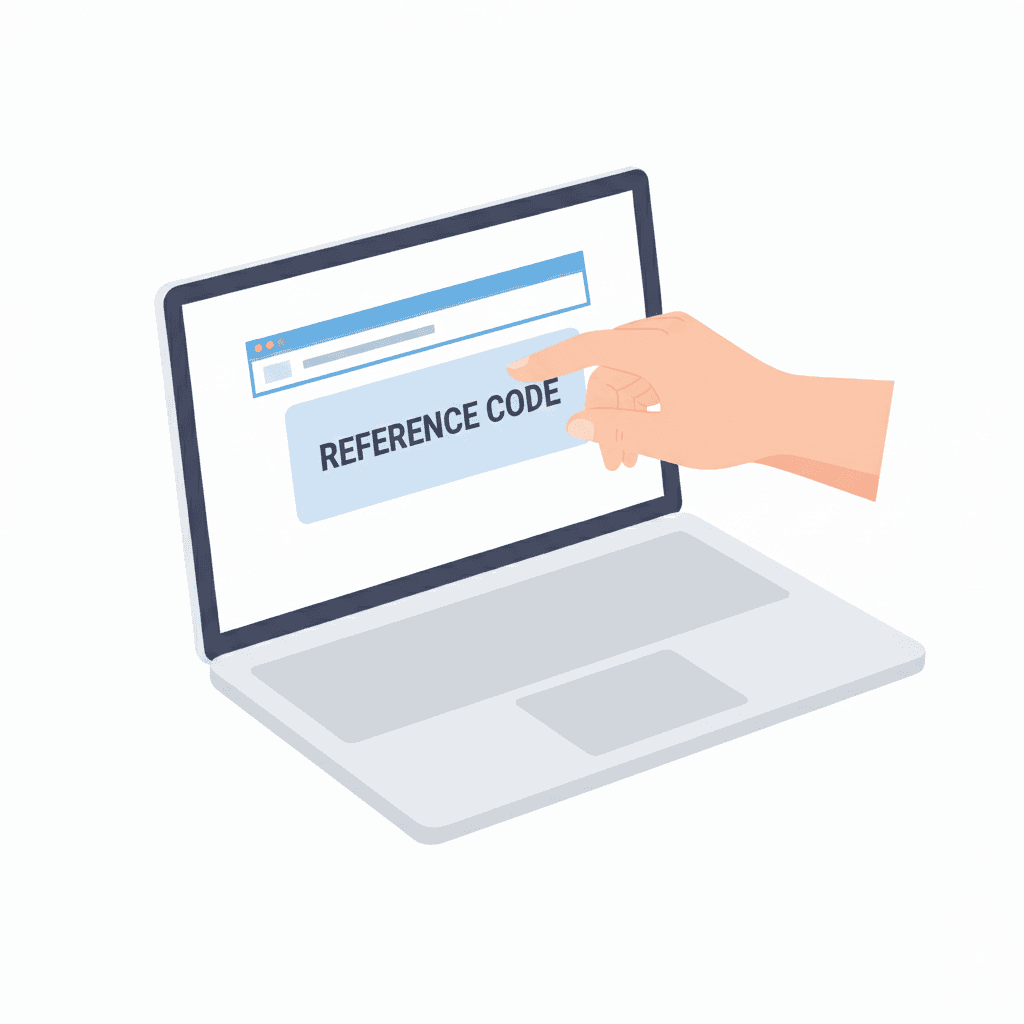
> Get Your Code
// The site instantly generates a short reference code for your link.
// This code is now your pointer to that source.

> Write the Code in Your Notes
// Instead of copying long URLs, just write the code next to your note.
// Like a footnote.
// Like an index number.
// Like a margin reference.
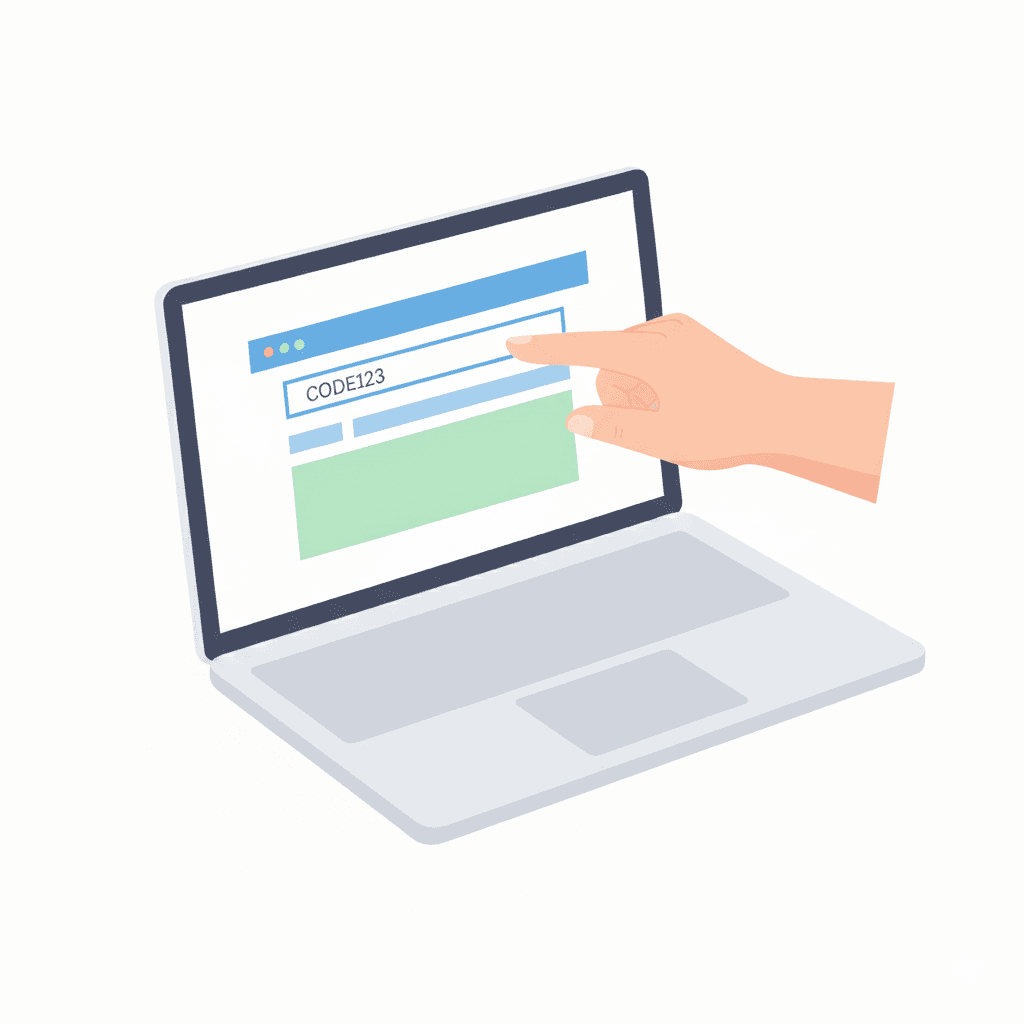
> Come Back Anytime
// Later, when you want to revisit the source:
- → Enter the code in the browser
- → Or visit
/your-code
// You're instantly redirected to the original link.
// Why This Exists
// When you read something online and take notes, one thing often gets lost:
// the source.
// Bookmarks get messy.
// Notes lose context.
// Links disappear inside endless lists.
// This tool exists to solve that one problem — simply.
// What This Tool Does
// It turns any link into a short, human-friendly reference code.
// A code you can:
- → Write in a notebook
- → Add next to your notes
- → Remember later
- → Type back in seconds
// No accounts.
// No setup.
// No distractions.
// What This Is — And Isn't
This is:
- → A lightweight reference tool
- → A bridge between physical notes and digital content
- → Intentionally minimal
This is not:
- → A bookmark manager
- → A note-taking app
- → A productivity dashboard
// Designed to Stay Out of Your Way
// This site does one thing:
// It helps you find your way back.
// Nothing more.
// Nothing less.